Bill of lading to CSV
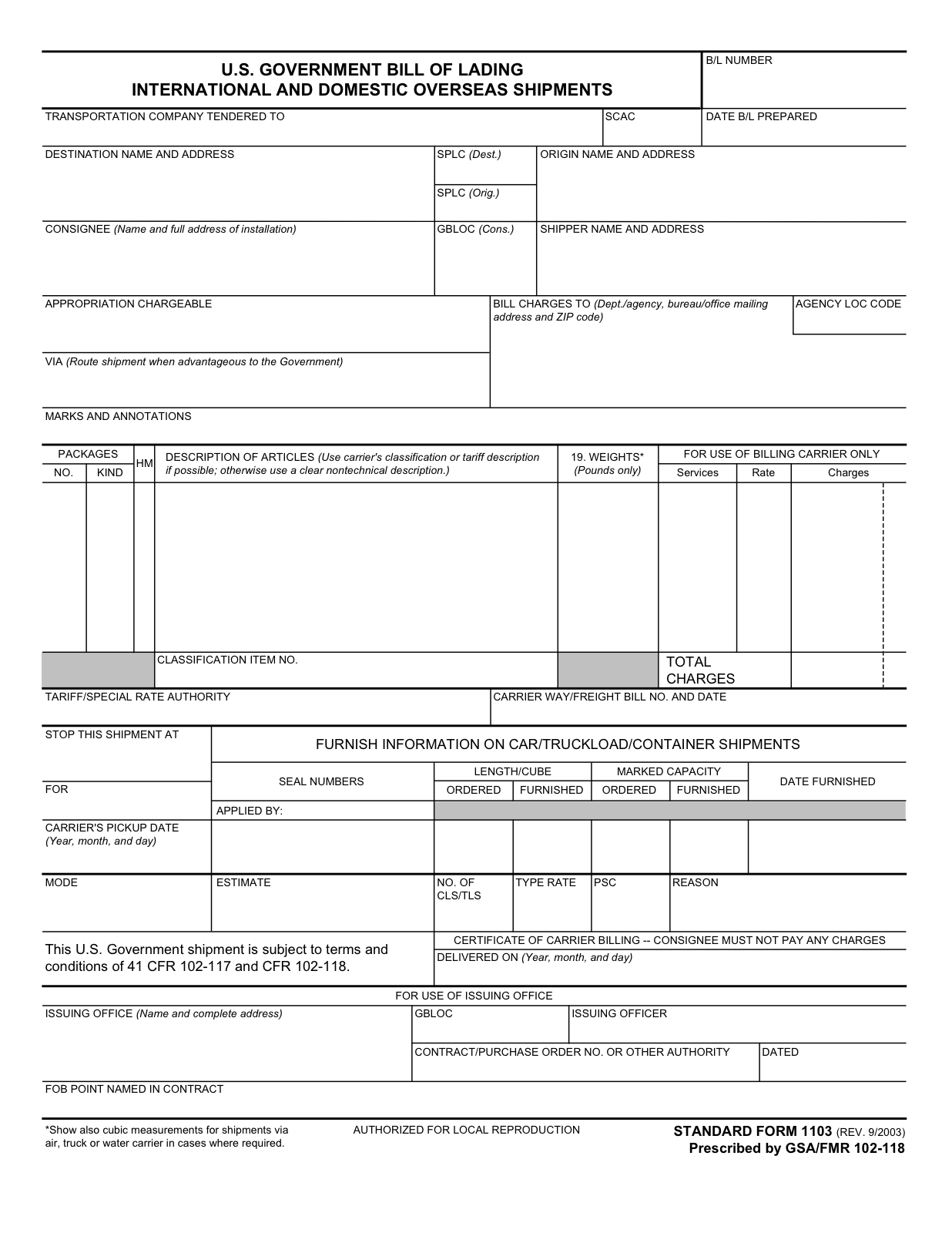
Extract shipper, consignee, BOL number, commodity rows, weights, charges and delivery exceptions from freight paperwork.
View use caseDocUnlocked helps logistics, construction, property, bookkeeping and technical teams convert scans, forms, tables and PDFs into CSV, Excel, Word, Markdown, JSON and AI summaries.
| field | value | confidence |
|---|---|---|
| document_type | Technical report / field packet / form | High |
| tables | Detected table regions exported as rows | High |
| figures | Image and chart blocks preserved | Review |
| formulas | Formula-like regions extracted or preserved | Review |
| exceptions | Handwriting, low contrast, damaged scans | Flagged |
{
  "workflow": "complex_document_recovery",
  "outputs": ["markdown", "docx", "xlsx", "html", "json", "summary", "zip"],
  "review_flags": ["formula_region", "figure_caption", "handwriting"],
  "source_trace": "public document + page coordinates"
}
The buying question is not "does OCR exist?" It is "will this work on my documents, in my workflow, without an engineering team?"
Extract shipper, consignee, BOL number, commodity rows, weights, charges and delivery exceptions from freight paperwork.
View use caseTurn daily reports, stormwater logs, payroll packets and supplier forms into workbook tabs for project controls.
View use caseExtract unit, deficiency, severity, area, owner notes and action items from inspection forms and PDF checklists.
View use caseRecover tables, formulas, figures, sections and references for bureau d'etude, lab and research teams.
View use caseThe site now shows public handwritten sources with visible transformation steps. The promise is not magic handwriting OCR; it is a clean review package the operator can validate and export.
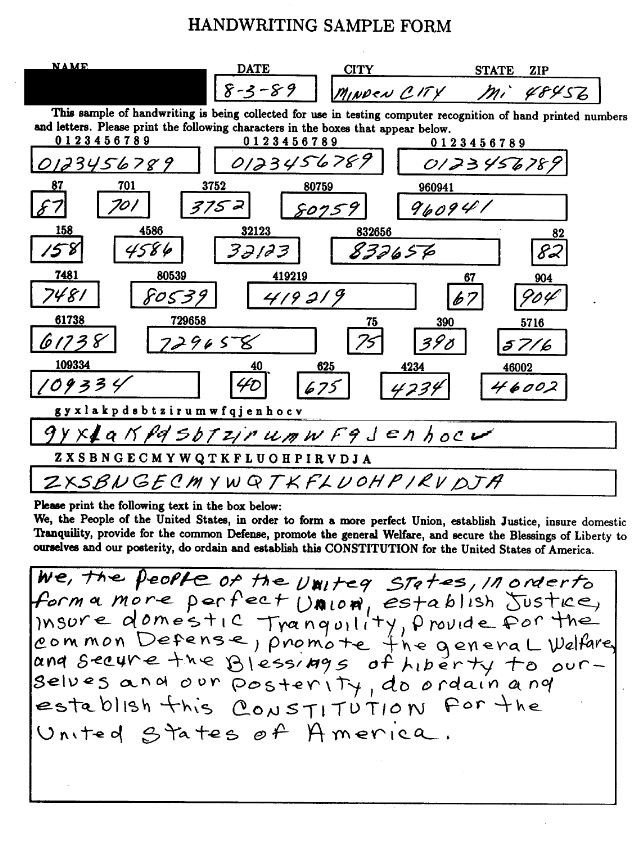
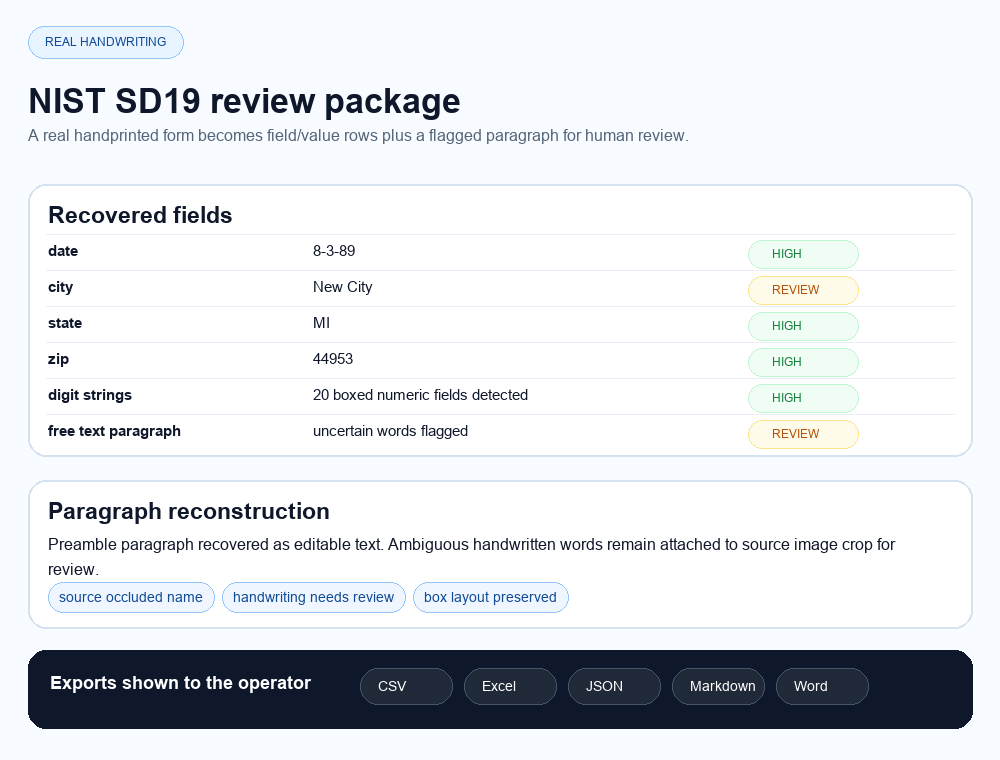
A public NIST handprinted form shows real field boxes, digit strings and a handwritten paragraph. This is the right proof class for teams with forms completed by hand.
Source: NIST SD19 handwriting sample image. Output shown as a DocUnlocked review/export package preview.
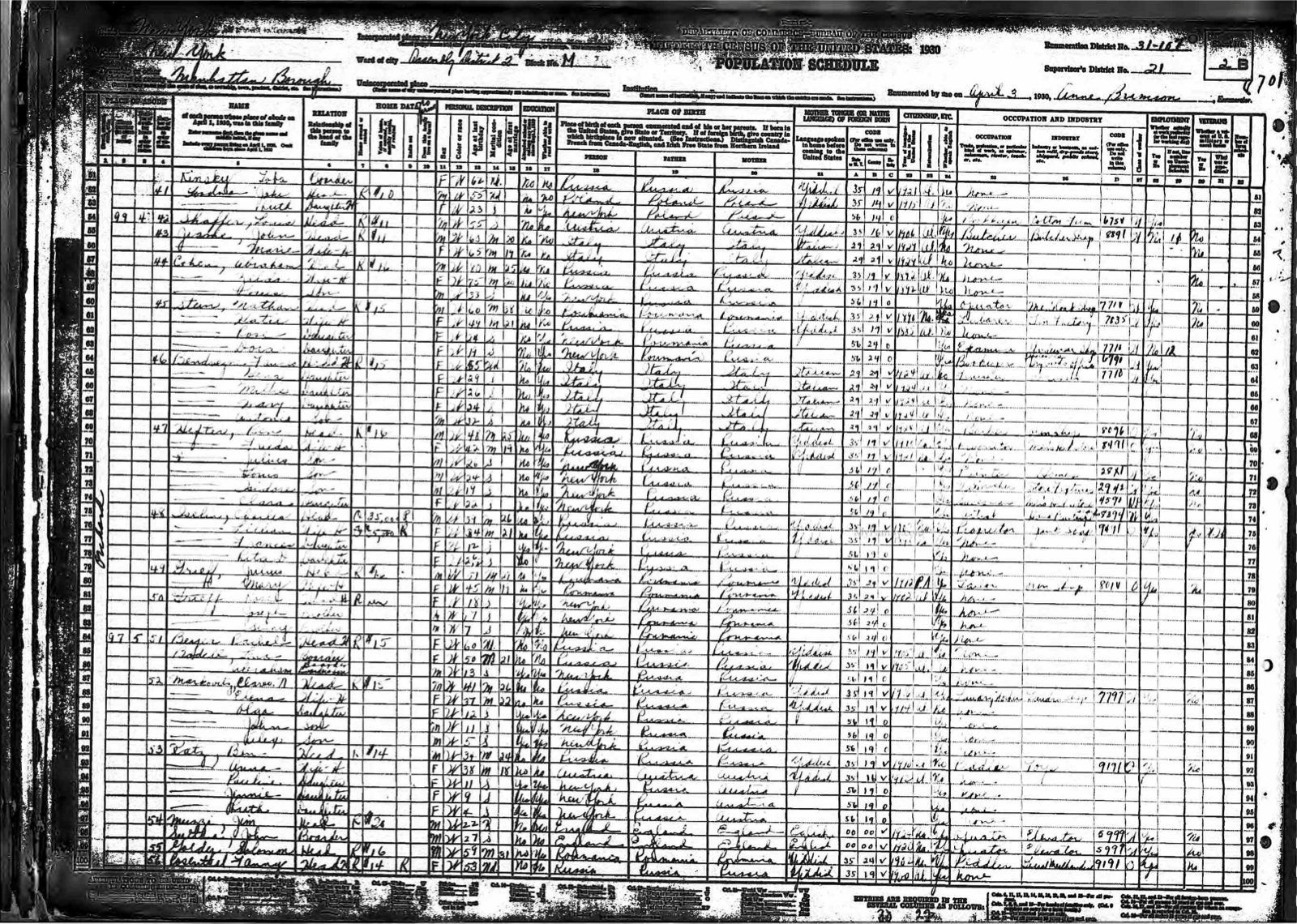
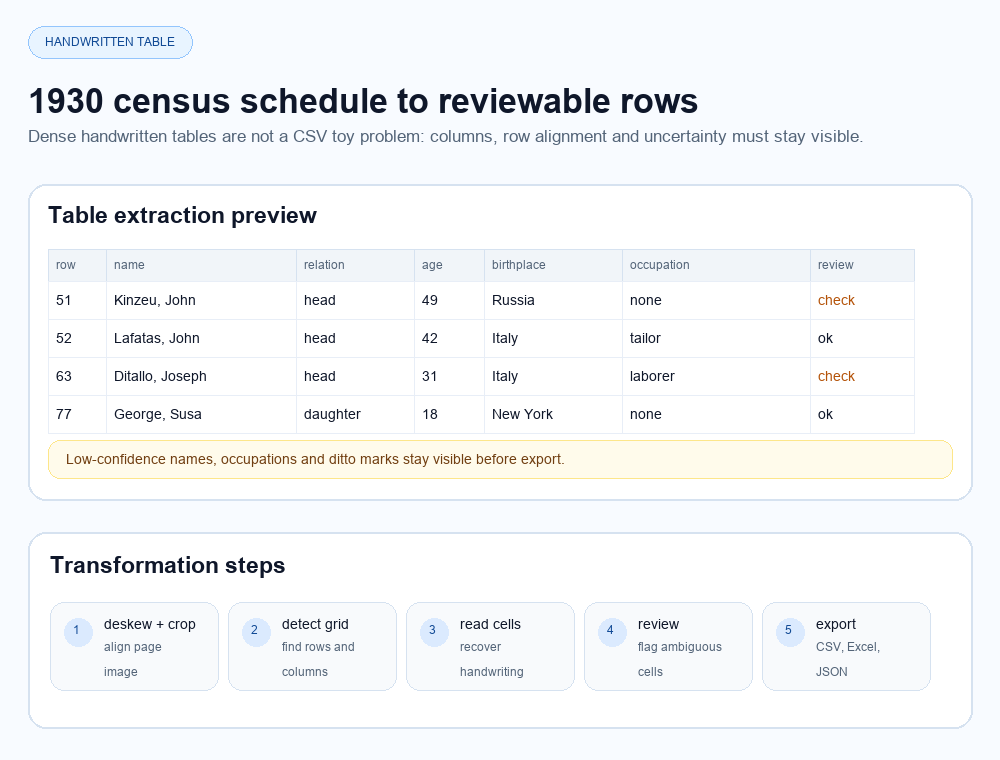
Dense handwritten tables are where simple document demos collapse. The value is row alignment, columns, review flags and spreadsheet-ready output.
Source: U.S. National Archives 1930 census schedule PDF. Output shown as a review/export package preview.
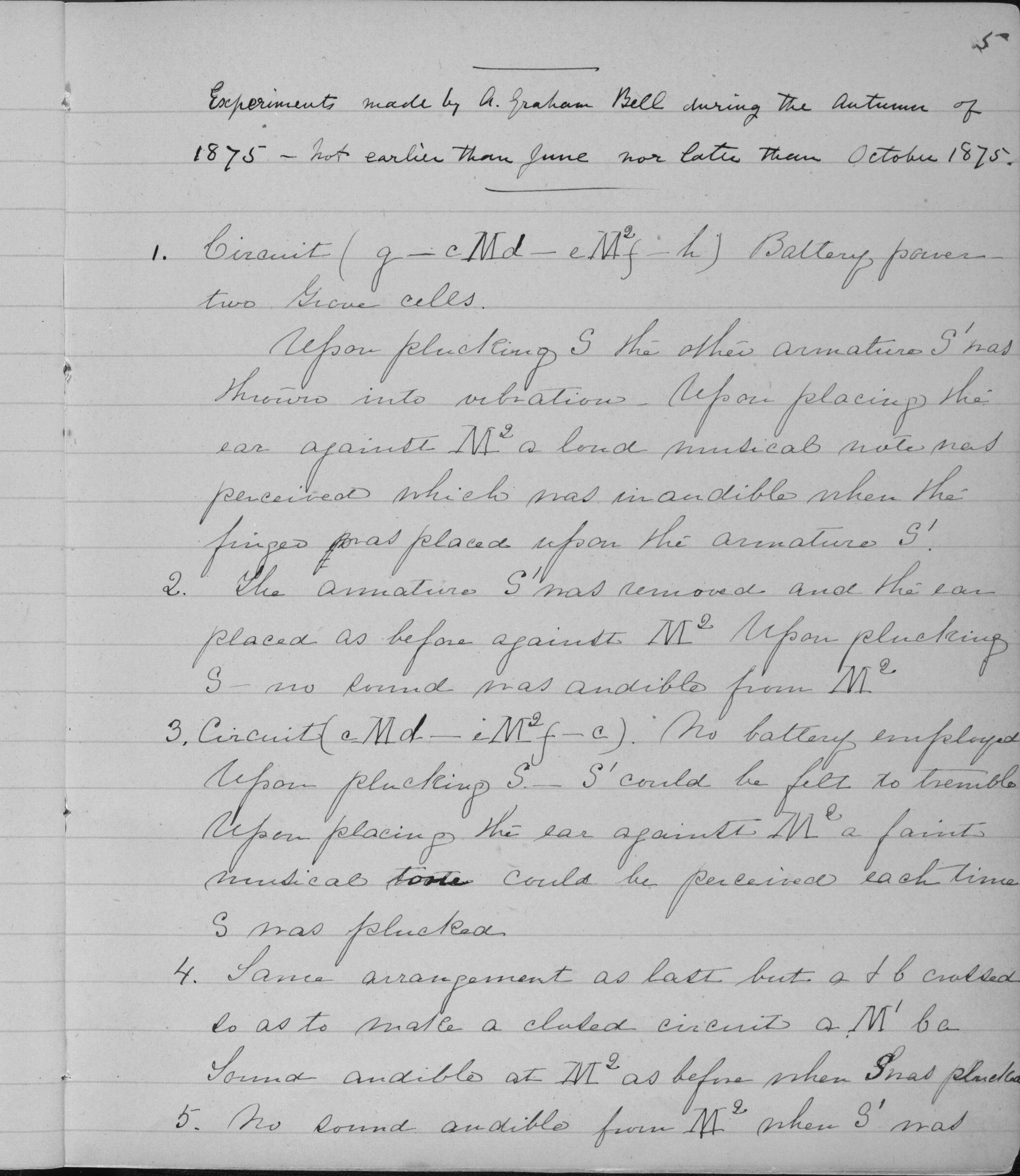
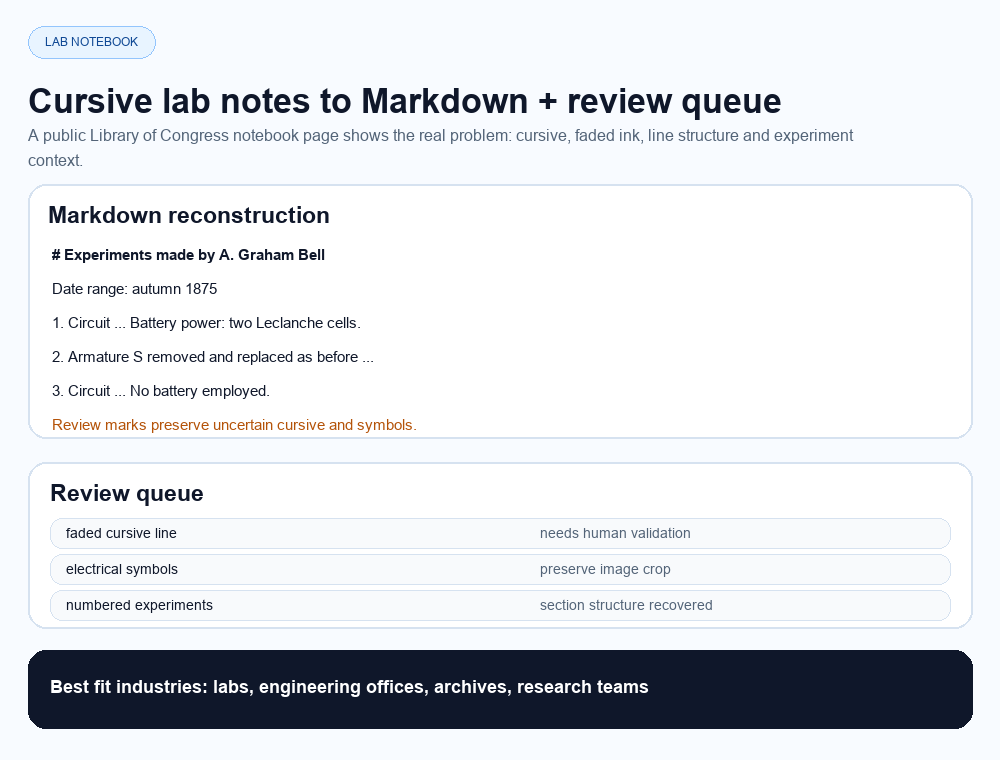
Labs, bureaus d'etude and archives need more than CSV. Cursive notes should become Markdown, searchable text, source crops and uncertainty flags.
Source: Library of Congress Alexander Graham Bell notebook page. Output shown as a review/export package preview.
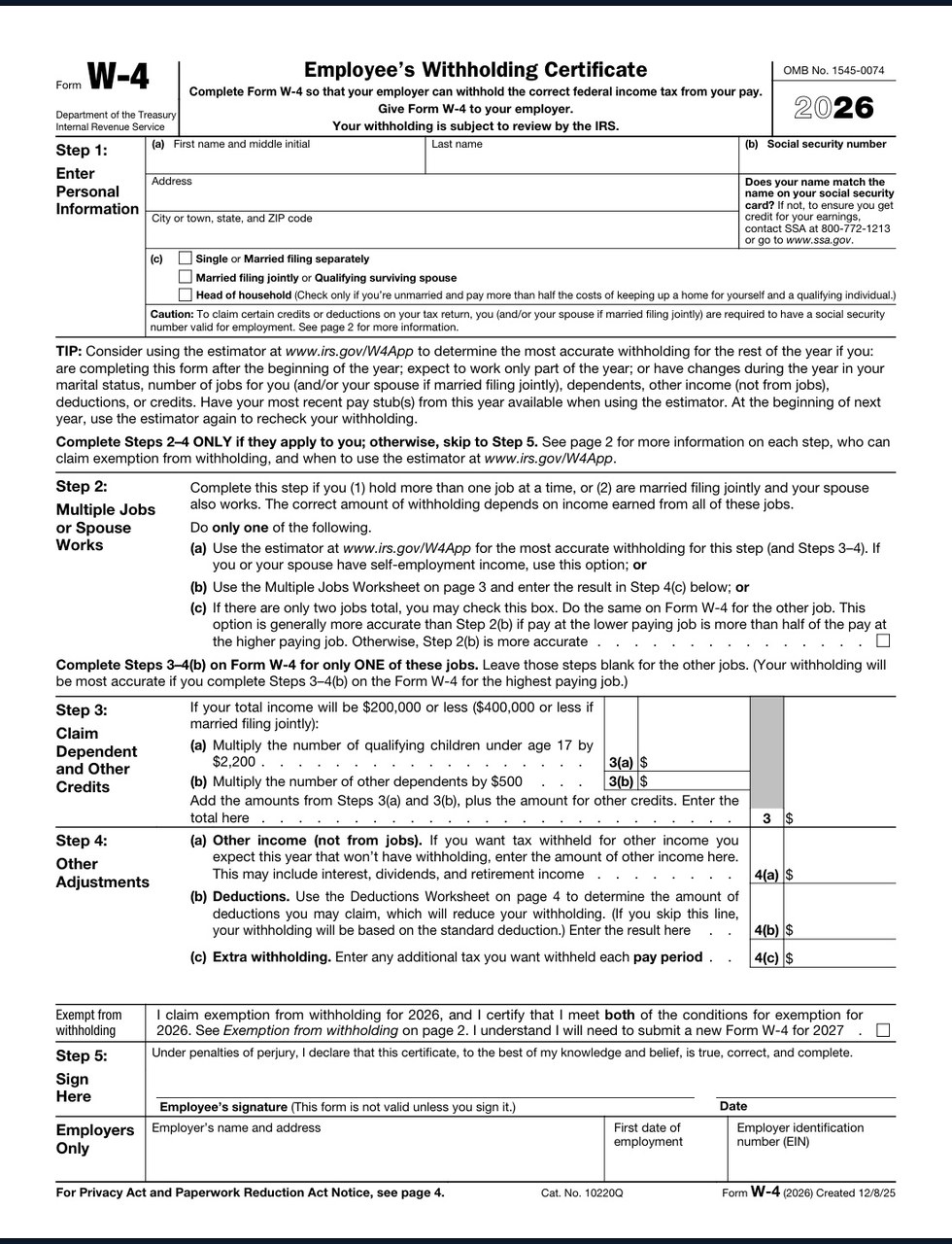
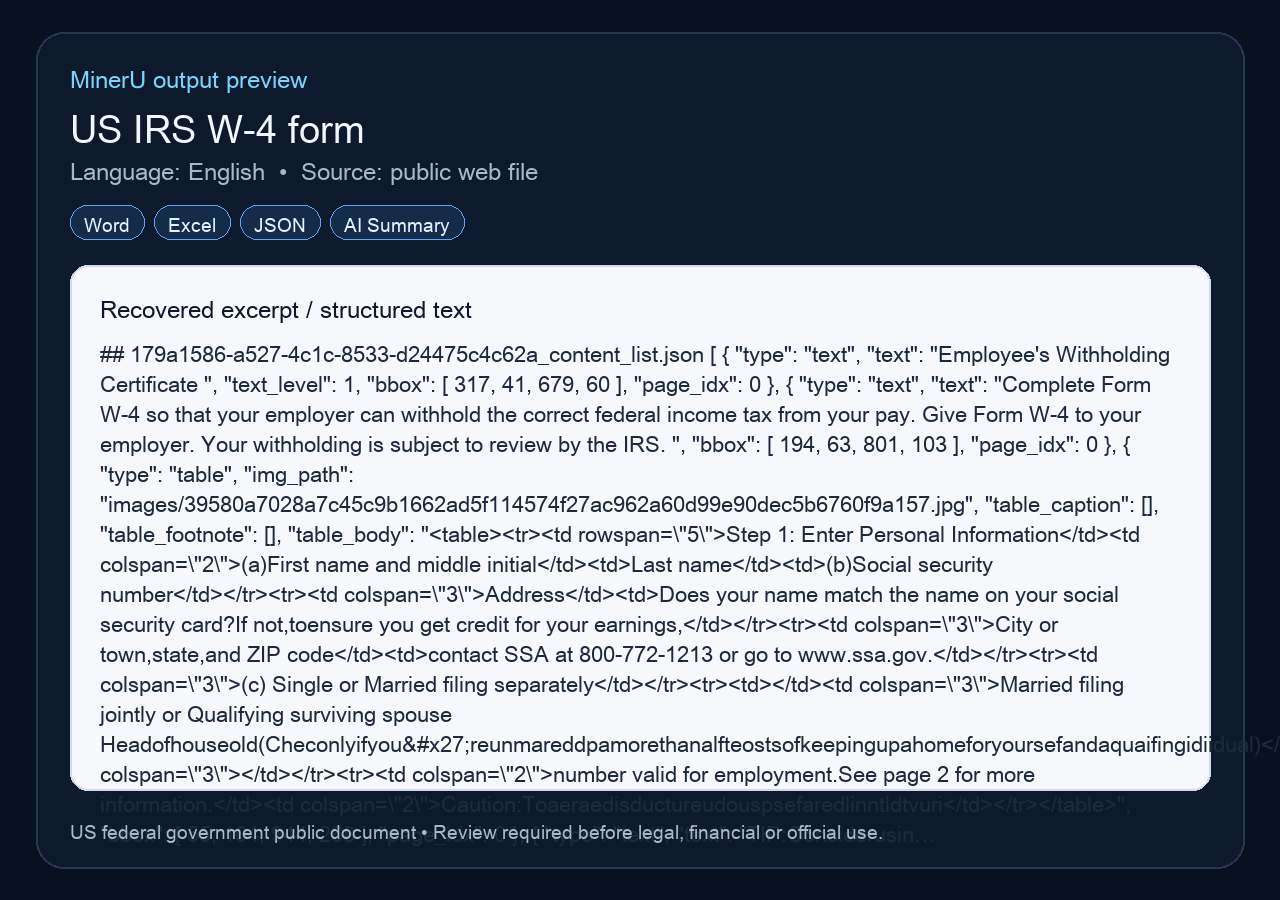
Public tax forms prove structured field and table recovery. For live customers, this maps to W-9, onboarding packets and vendor files.
Source: irs.gov W-4 PDF. Public federal document processed through MinerU for the deployed proof asset.
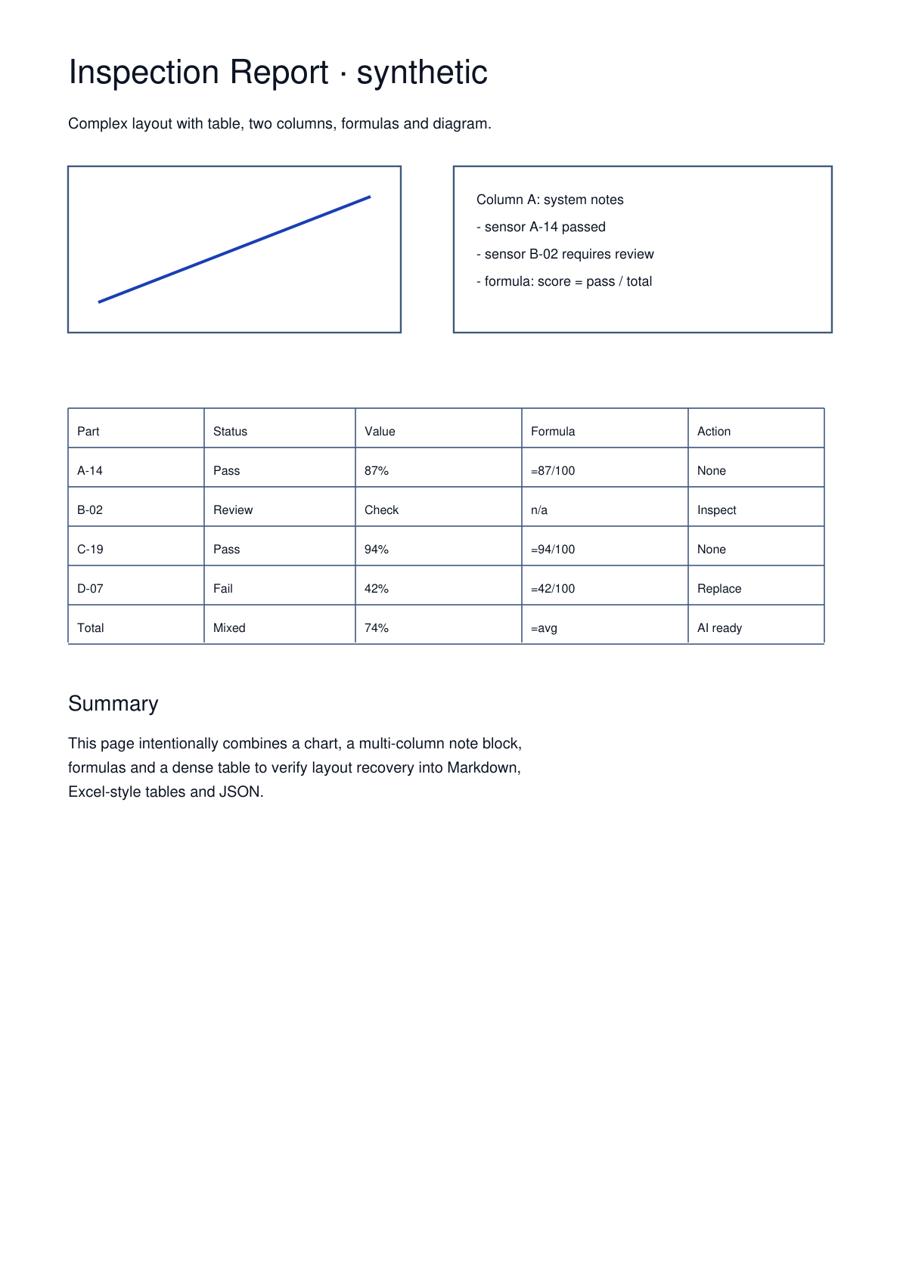
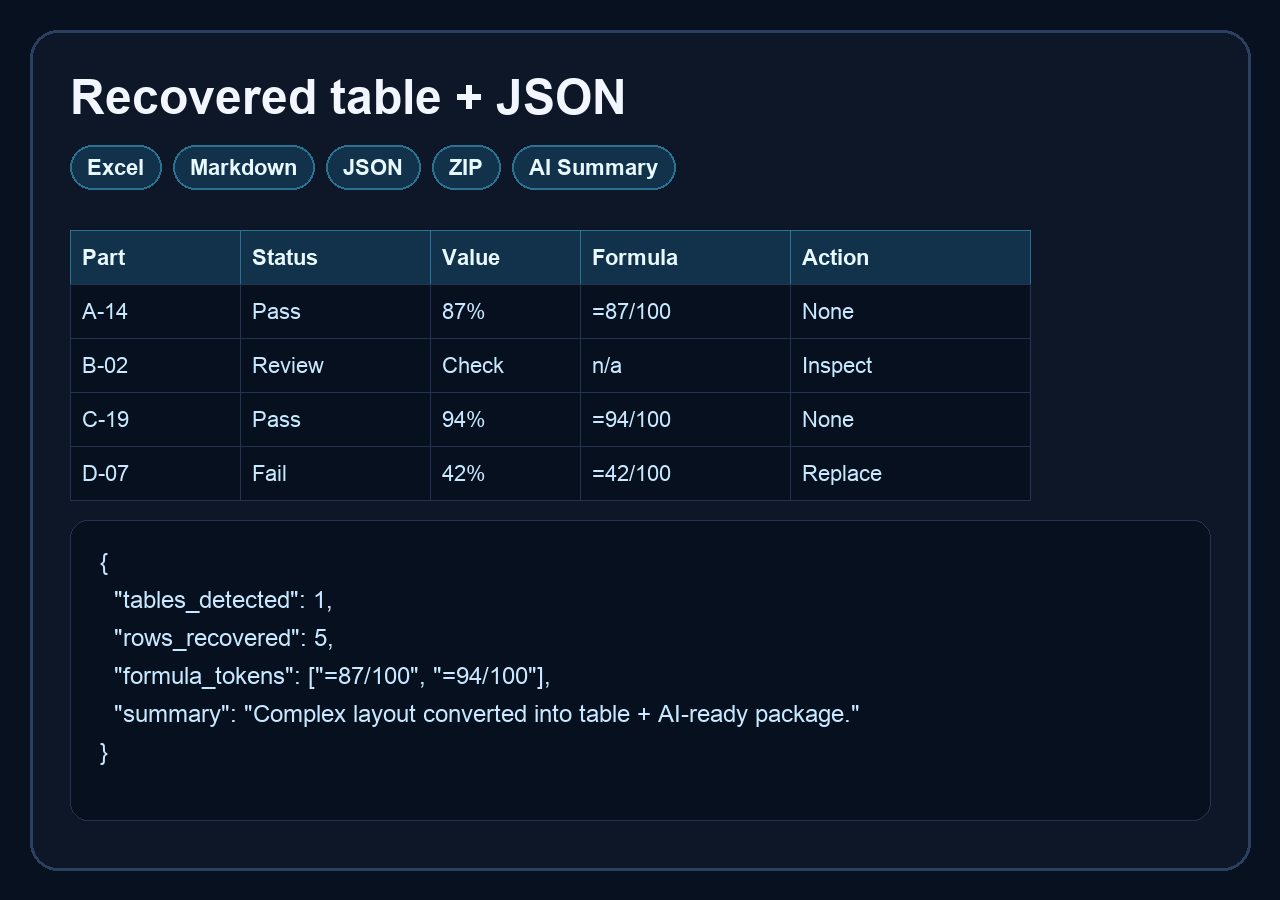
For labs, engineering offices and technical teams, the final deliverable is often Markdown, DOCX, HTML, JSON and a structured summary, not just a CSV.
Synthetic technical stress sample processed through the real MinerU flow. No private or customer document used.
Every vertical page targets a concrete pain: paper document in, usable output out.
bill of lading to CSV, freight invoice to Excel, proof of delivery OCR.
Bill of lading pagedaily field report to Excel, stormwater inspection PDF extraction, contractor forms to spreadsheet.
Construction pageinspection checklist to spreadsheet, NSPIRE checklist to CSV, maintenance forms to action list.
Property pageW-9 to CSV, vendor forms to spreadsheet, scanned invoice lines to Excel.
Vendor forms pagetechnical report to Markdown, tables and formulas to JSON, PDF figures to AI-ready package.
Lab reports pagehandwritten forms to Excel, handwritten table to spreadsheet, handwriting OCR with review flags.
Handwriting pagescanned forms to Excel, PDF table to CSV, paper forms to structured data.
Scanned forms pageUsers upload 5 pages and see the output before trusting the system.
Forward PDFs from AP, dispatch or property inboxes into a review queue.
Capture PDFs from portals and web apps without making users download/re-upload manually.
Push CSV/XLSX/JSON/Markdown packages into Sheets, Airtable, accounting tools or ERPs.
Offer API access only after repeatable vertical workflows and willingness-to-pay are proven.
Upload a file you are authorized to process. The launch flow validates the file and prepares a secure checkout or support handoff depending on backend availability.
One document, up to 200 pages or 200 MB.
Credit pack for multiple archives, forms or contracts.
Small business pack for repeated document recovery.